
Ten Years Toasting: BurntToast Hits the Big v1!
It’s been a long, eventful, decade. The perfect amount of time to burn some toast!
It’s been a long, eventful, decade. The perfect amount of time to burn some toast!

If the wait for Preview1 felt long, the wait for Preview2 was even longer.

It may have taken 10 months, but preview releases are finally coming for BurntToast v1.

This post is part of #TheMVPChallenge. It’s not exactly what was on the brief… but I think it’s a story worth telling!

BurntToast is finally growing up. It’s going through puberty and will see a v1 release when it gets to the other side… but it’ll be …

Focus assist is a favoured tool of practiced speakers and presenters on Windows. It does put you in a bit of a bind if the thing you’re …

Are you a sysadmin? Looking to stop wearing out your mouse? Could this be the book for you?

I don’t know how to express a happy dance with text. If I could that’s what would be here because I’ve finally removed a thorn from …

BurntToast just turned five, and I’ve only now realized that I’ve never written about how all the module’s “advanced” …

Now that we have our credentials stored in an Azure Key Vault, how do we go about using them in other Azure services?

OutBuffer has been lurking in amongst the common parameters on most cmdlets for years, but I’ve never taken the time to ask what it’s for.

I’m so used to storing fully formed credentials in the local Windows Credential Manager. How do I transition that into the “secrets” …

My last “How I Work” post was over three years ago and I’ve been considering an update for a while. What better time to do that than …

If you’re not stalking the PowerShell team on Twitter, or obsessively refreshing the PowerShell repo on GitHub, how are you meant to be aware of …

How do you deal with potentially getting nothing back from a cmdlet or function? PowerShell 7 introduced a set of new operators to make working with …
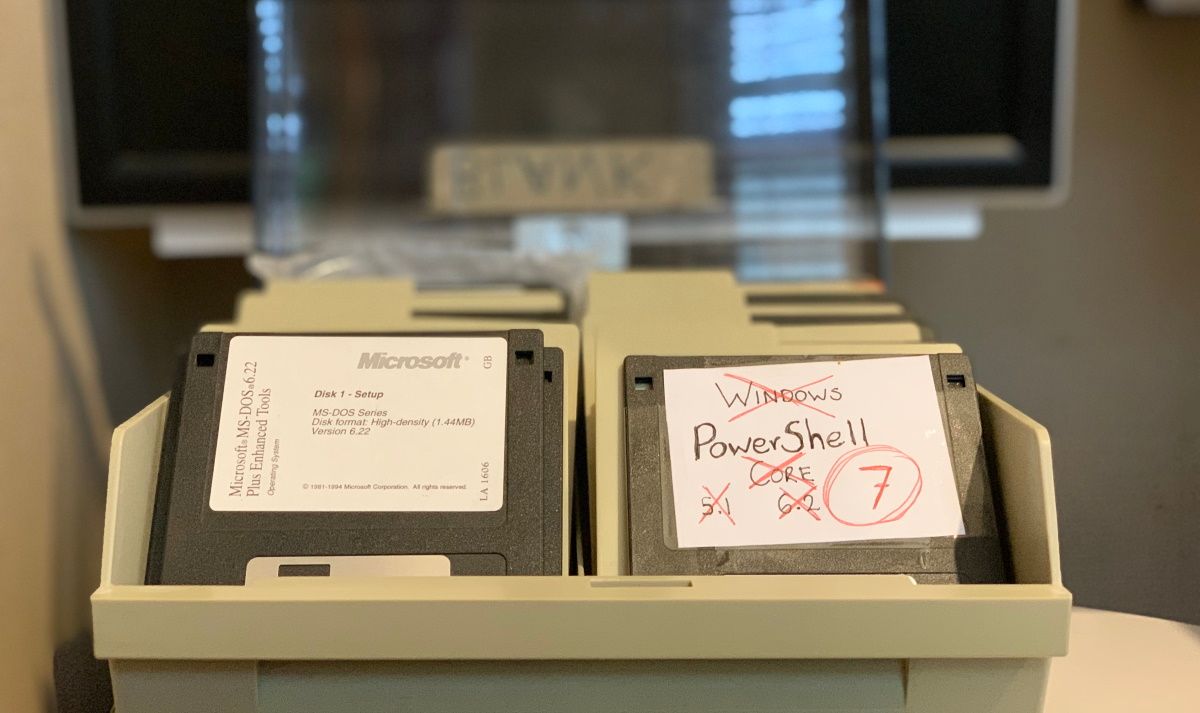
PowerShell 7 is out now! The first step in being able to add it to our toolbox is to install it so let’s check out our options.

PowerShell remoting is a truly powerful tool, but sometimes your scripts need a little help finding their way. How can you tell when you’re in a …

It’s all well and good putting buttons all over your toast notification, but text is a little plain. Let’s see how we can dress out …

I had the pleasure of testing Universal Automation while it was in private beta. Now the beta is open to all and I’m really excited for it to be …

It’s funny how you can be a daily PowerShell user for years and completely miss something about a feature you regularly use… such as the …

Apparently I forgot to do one of these posts last year. I like having these posts to look back on, so let’s get back on track!
It’s long past time to wrap some modern smarts around KovertKringle, a PowerShell module for managing Secret Santa events.

“There’s way too much information to decode the Matrix. You get used to it, though. Your brain does the translating. I don’t even …

RegEx continue to prove itself as a valuable tool in my tool belt when scripting. Sometimes it can save you a lot of time and many lines of code.

Hitting snooze on your alarm clock is probably rather common. Let’s take a look at how you can do the same thing with your Toast Notifications.

I was thinking about the new Ternary Operator and had a random thought… can it handle elseif logic?

I’m gearing up for my fourth Hacktoberfest event, and so should you. You could even come away from this month with a fancy new t-shirt!

What the heck is a “ternary” and what’s it doing in my PowerShell?!

After reading some awesome posts on the topic, I’ve been shamed into making my pipelines a little more efficient.

PoshRSJob has been my go to module for Parallelization for years… let’s see if a head to head test with the new PowerShell 7 feature will …

Today I’m humbled, shocked, and proud to announce that I’m now a Microsoft MVP.

Toast notification data bindings have a number of uses. We’ve already covered updating toasts, now let’s teach our notifications a second …

After years of staring at it confused, I’ve finally given into the dark side and started to learn RegEx.
Following the release of BurntToast v0.7.0 there were a couple of headline features that needed to be written about. Shoulder Taps had their time in …
I’ve been wanting to get this out for a while, but couldn’t find the right way to present it… rather than stressing, here’s a …

If you can forgive incomplete help, the latest update of BurntToast has some cool new features. First one we’ll be covering is Shoulder Taps!

I can’t stand “expected warnings,” but getting selective in my VBO jobs got me back to my happy place.

A few scripts run on my home server, but can happily run in a serverless environment. Time to give that poor server a rest, I think.

What good is a nicely built PowerShell module if no one can use it? Time to release it into the wild!

I’m a little late to this particular party, but I only just had the 1809 update on my workstation today.

When you want to keep an eye on build results, but don’t want to dedicate a screen to the web page, toast is the answer!

Some people learn by writing. Some by watching videos. Apparently I learn by failing and head-desking.

I didn’t do the best job of the examples in my original post on this topic. Let’s put that right.

The community, in and of itself, made 2018 for me. If you haven’t already gotten engaged in it… put it on your list for 2019. You wont regret …

Carrying out PowerShell based GitHub Actions in less than a minute? Colour me impressed!

Where did that toast come from? Who cooked it?! If only it was attributed to someone…

This is my third Hacktoberfest, the event that made October one of my favorite months of the year!

Time for a bit of Exchange flavoured spring cleaning? Let’s find some un-needed shared mailboxes!

I get you; you like toast, but you don’t want to put a toaster on 100 desks.

Spoiler alert: this post didn’t end up the way I expected it to when I started writing…

How do you deal with credentials in your scripts? Personally, I’m a Credential Manager kind of guy.
We’ve been looking into PowerShell Scheduled Jobs lately, today let’s have a quick look at the “options” available to us.

Much sooner than expected, let’s talk about Windows PowerShell scheduled jobs again.

In an effort to spread my love of Windows PowerShell scheduled jobs, this is the start of series on the subject.

If you have a PowerShell blog, I can’t overstate how valuable it is to get your feed hooked up to Planet PowerShell!

This morning I was up at 4 AM, live streaming the creation of an auto-tweet script.

This has been sitting as an open issue on the project for a long time and given how quick of a fix it was I’m disappointed that I didn’t …

TechSnips is a new e-learning service and I’ve been recording content for it, along with many other contributors.

Ever find yourself needing to get an image up on your screen in a timely manner?

CSVs are pretty handy, right? And there is a cmdlet that’ll handle this for you!

After another three flights, and 16 hours in the air, I’m back home in New Zealand. I can certainly say that the change in time zones has hit me …

That’s it. It’s over. I’ve shaken many hand, met many people, and seen lots of PowerShell.

Today was the reason I was able to be here at Summit. Today was the day I presented in front of about 100 people.

No comments about the plumbing or anything today, having gotten over the initial shock.

Why the hell are American toilets so full?

It gives me a glimpse into how people are using the module and it also focuses my documentation efforts on something that might actually be useful.

If you’re looking for some help, try #PSHelp. If you’ve got knowledge to share (and you do), make sure you jump in and get involved!

This seems like a decent excuse for a ‘State of the Blog’ post.

This time around, I’ll walk you through how to create your own installer.

I can’t tell you how happy I am to be writing this post.
How the heck did that happen, isn’t the system meant to give me some warning?

Woah, 2017 flew by.

Given it’s the holiday season, I worked on a PowerShell based Secret Santa Organizer

Sometimes PowerShell just throws the system culture out the window and assumes that you meant to supply the date in the American style.

It was a great event, with five days worth of awesome PowerShell content coming out!

Whether they’re nearly empty, nearly full, or somewhere in-between, it’s helpful to get a quick overview of all your servers’ hard …

I hate reducing customizability, just as much as I hate making breaking changes in my projects.

Summits, Blogging, and Hacking make October the ‘hackiest’ month of the year.

There’s one thing that bugs me when scheduling scripts from the prompt, however: Recurrence.

It’s been nine months, time to revisit the prevention of Windows Update reboots.

Now that we’ve figured out how to connect to each of the Office 365 services, it’s time to tie a pretty (PowerShell) blue bow on it.

Just like their on-premises counterparts, each of these products has their own PowerShell interface for management.
Headers, introduced in the Creators Update, can be used to organize you toasts.
Buttons can look pretty ugly when only using one, so just click your Toast instead!

April saw the release of the Creators Update for Windows 10 which brought with it a handful of new options for toast notifications.
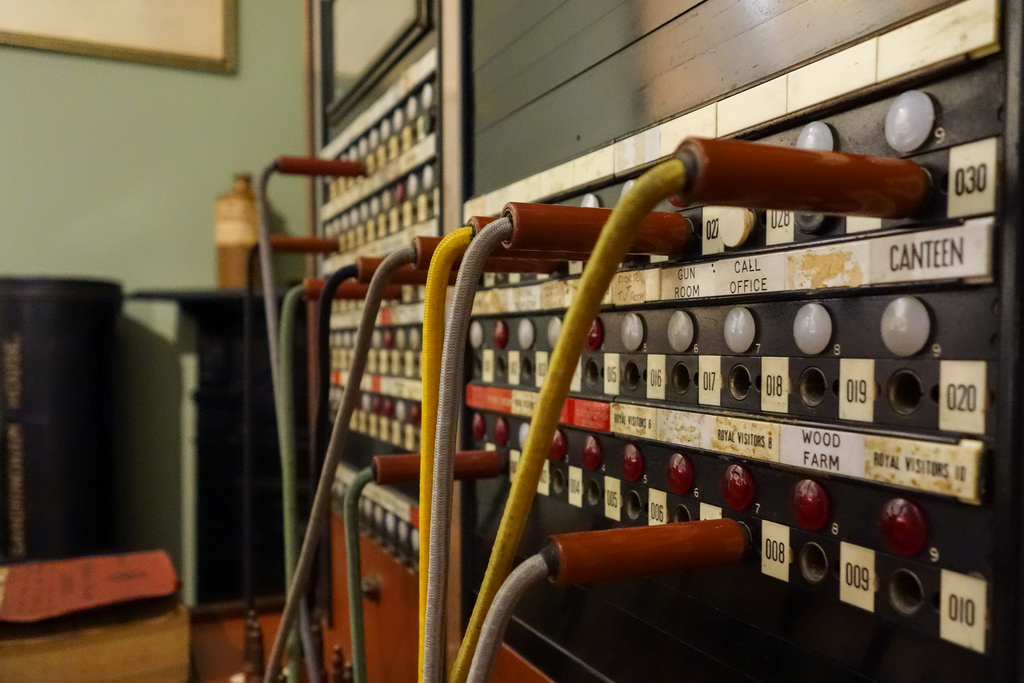
Your business uses two disparate cloud services and needs them to share data, but they don’t integrate natively. You really don’t need to …
A crouton is a small piece of toast for soup or salads. Or, a small piece of (burnt) toast
Nothing distracts a room full of nerds faster than technology.

Have multiple DHCP servers that aren’t in a cluster? Don’t worry!

New Year’s Resolutions are the in thing, right?
AAAAAAAAAAAAARRGH!
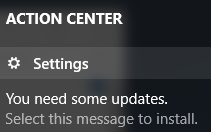
Over a year ago, I answered a question on Super User. The question was about stopping the very persistent Windows Update from rebooting without the …

My home server, nestled behind the TV, is an old HP workstation. It’s not exactly what I’d call… power efficient.

Figure out what you did wrong and don’t do it again. Good luck!
In this mini post I’ll list 20 more ideas for PowerShell fuelled Pulseway alerts.
Need to know when your servers CPU is pegged at 100%? Check. Need to know when a disk simply isn’t present in the OS after booting up? …

You create a hashtable of of the parameter names and their values, which you can format nicely, and pass the hashtable to the cmdlet.

Perhaps it was a helpdesk technician powering up a cloned desktop while connected to the network.

There is one thing I learnt to do early on and continue to do to this day: Ask for help.